Kontur Pro: A calm block theme for studios, consultancies and service businesses
A classic serif voice, a generous grid, hairline rules and one confident accent color. 49 block patterns built from core blocks only, eight complete page layouts, three blog layouts, three headers and three footers, five color palettes that all meet WCAG AA, and fonts served from your own domain. One click installs the demo pages; every word, color and spacing value stays editable in the block editor. No page builder, no build step, nothing loaded from a third party.
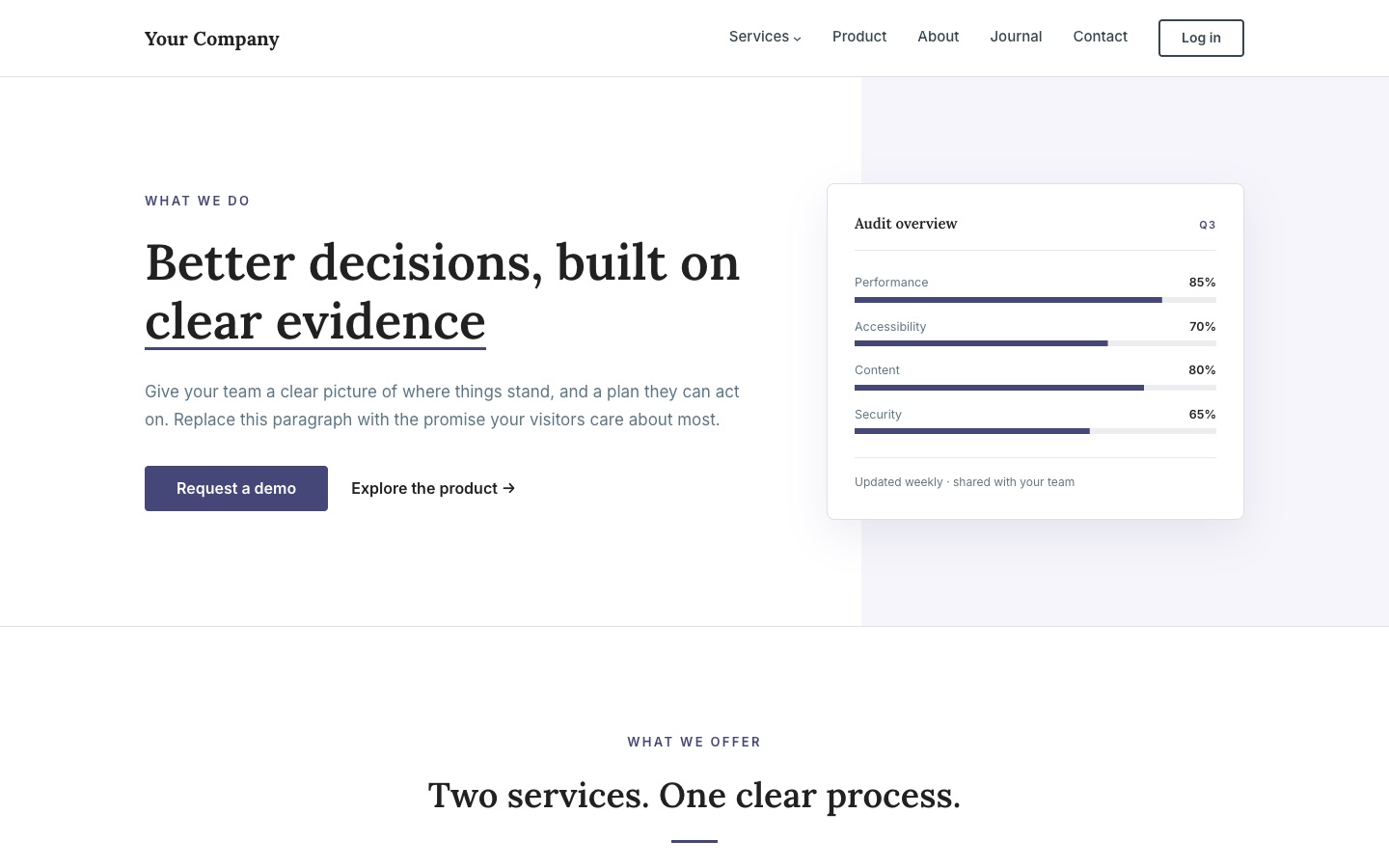
Does a site that looks established need a page builder?
A consultancy, a studio or a software company wants a site that looks settled and trustworthy, not loud. The usual way there is a multipurpose theme with a page builder: forty demo sites, a settings panel with three hundred options, a shortcode language of its own and a site that stops working the day the builder is switched off.
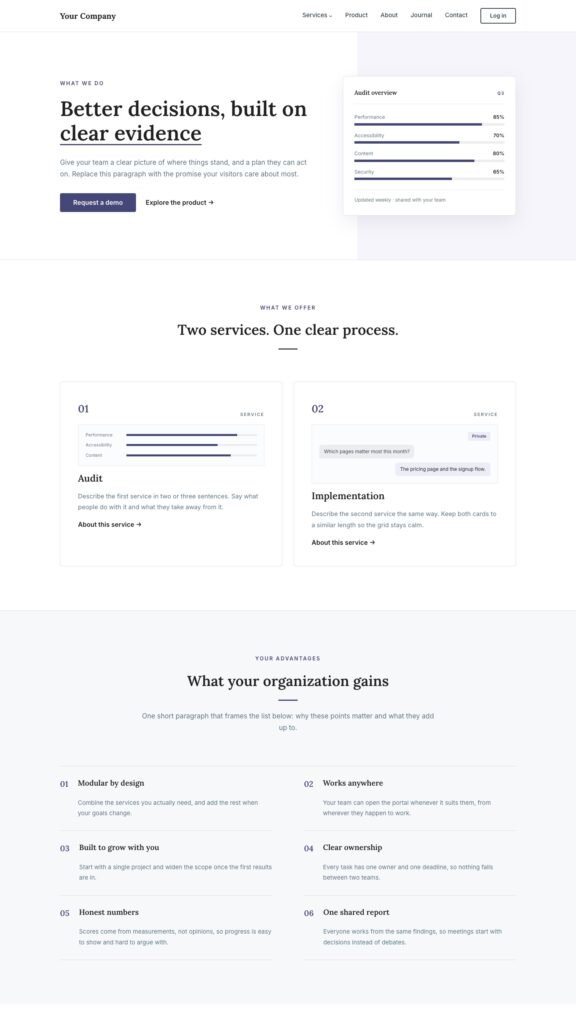
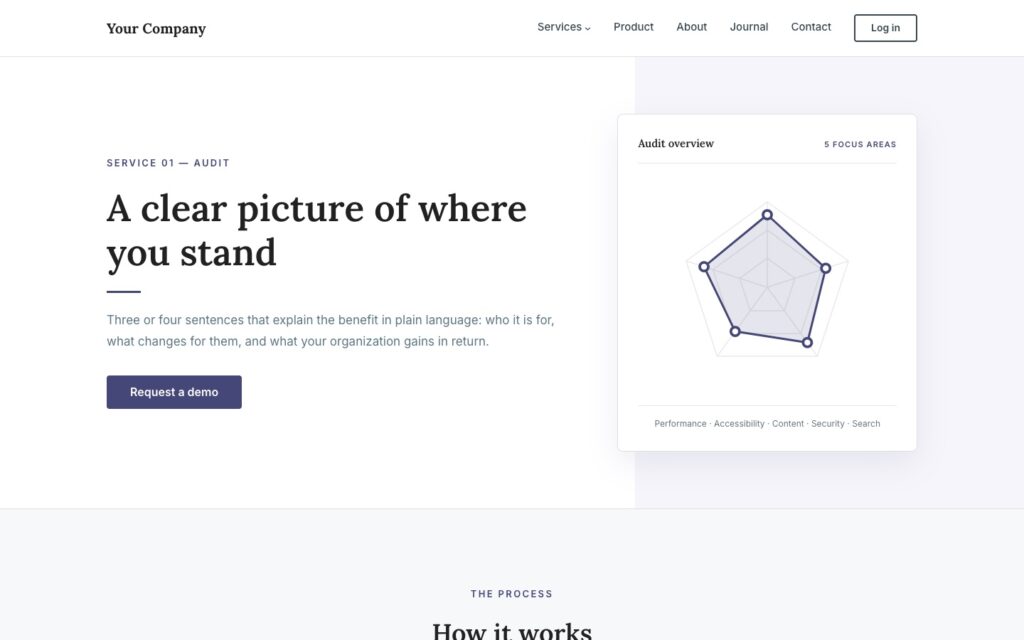
Kontur goes the other way. It is a block theme: every section is a pattern made of core blocks, every page is edited in the editor WordPress already has, and the design lives in theme.json, where the site editor can change it for the whole site at once. What you get is one well-made look with the pieces a service business actually needs: a hero that explains, service cards, numbered benefits, process steps, key figures, a journal, a contact page, and the calm around them.
Core blocks only, fonts from your own domain, no external requests for your visitors. Switch the theme off one day and your content is still ordinary blocks.
Five palettes, one click
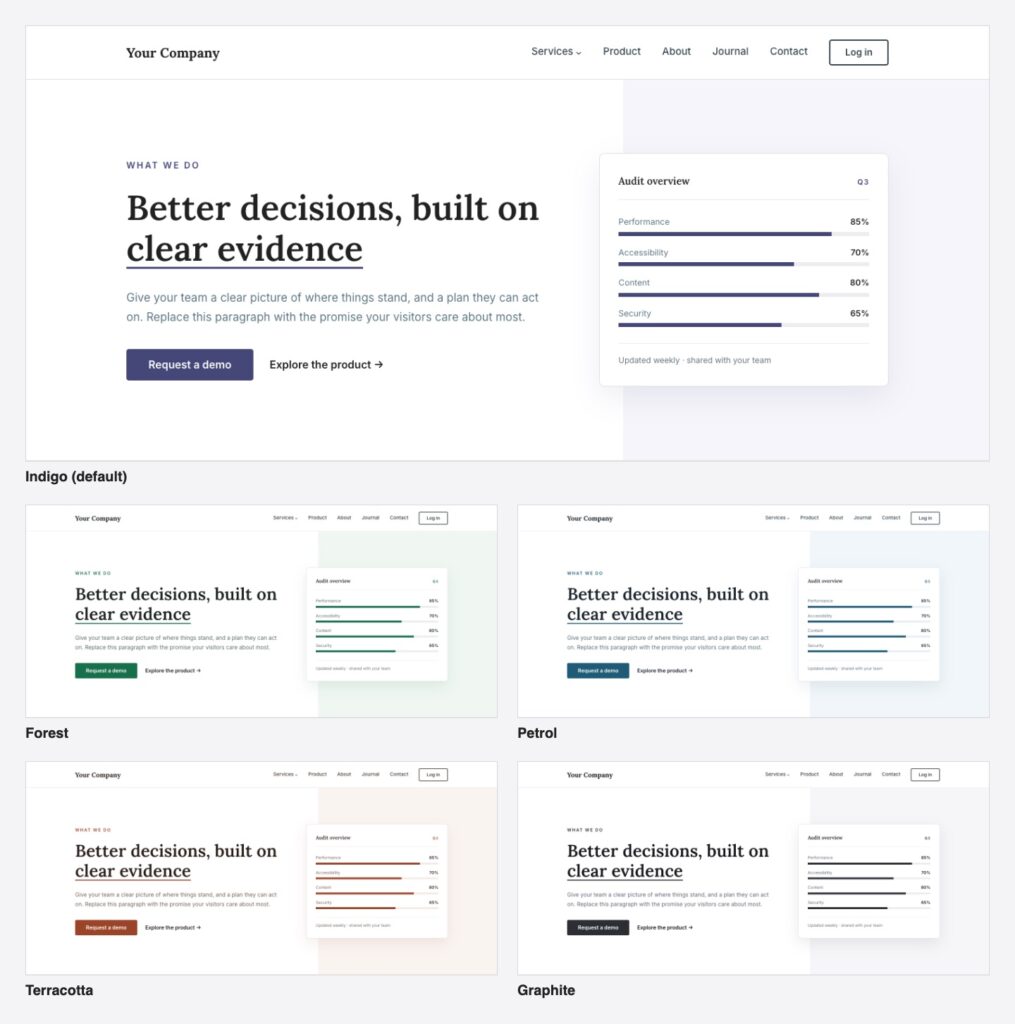
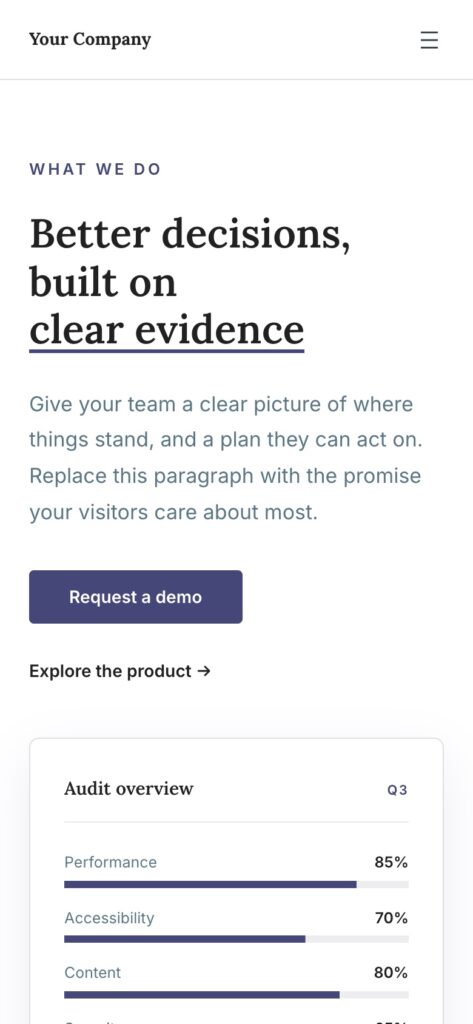
Indigo is the default; Forest, Petrol, Terracotta and Graphite are one click away under Appearance, Editor, Styles, Colors. Every color in the theme comes from the palette, so buttons, meters, charts, rules, tinted panels and the dark footer all follow at once. Each palette was checked for contrast: every text color reads at 4.5:1 or better, so all five meet WCAG AA. Single colors can still be changed afterwards.
How it works
Install, then one click for the demo pages
Build pages from 49 patterns
Change the look once, for the whole site

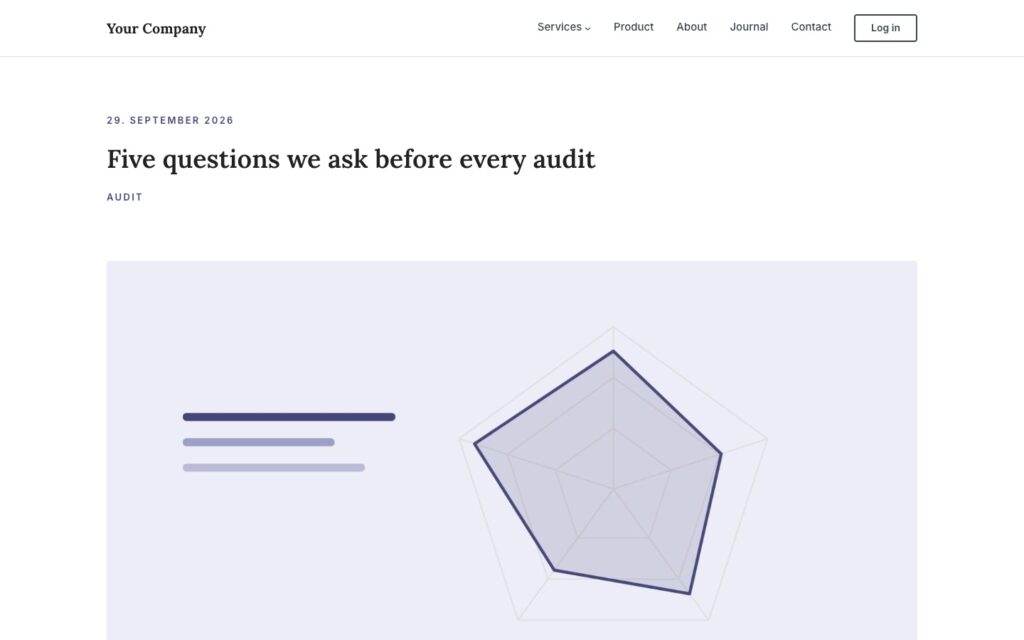
The blog comes with it

What is included
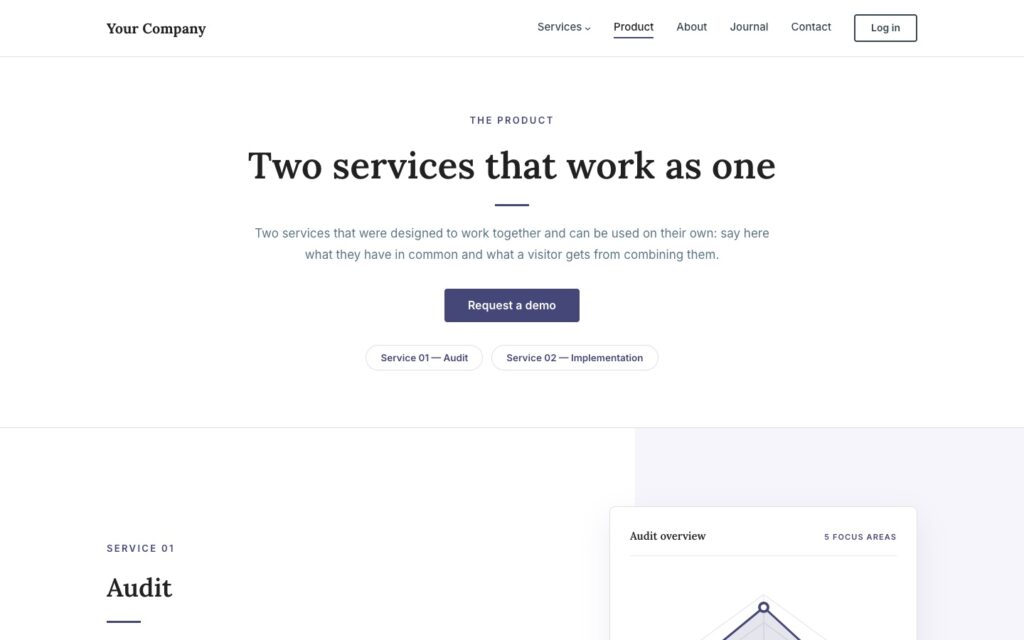
Patterns 49 block patterns in seven categories, including eight full page layouts: home, services, two service pages, product, about and contact
Templates Front page, page, wide page, blog home, archive, author, single post, "Post: wide image", search and 404
Headers and footers three headers and three footers, swapped with Replace in the site editor
Blog magazine, list and grid-with-sidebar layouts, topic chips with counts, a subscribe band
Style five color palettes, a fluid type and spacing scale, shadow presets, 13 block style variations
Fonts Lora and Inter as local variable fonts, no font service
Motion scroll reveals, animated meters, counting figures; off for reduced motion
Demo one-click demo pages, three sample articles with images, menus, front page and posts page set
Requirements WordPress 6.7 or newer (tested up to 7.1), PHP 7.4 or newer
Who it is for
Consultancies and advisors
Software and SaaS products
Studios and agencies
Service businesses
Plans
There is one theme and it has everything on this page. The plans differ in one thing only: how many sites the license key activates.
14-day money-back. Renews yearly at the same price, cancel anytime. Keeps working after expiry, updates and support stop. The plugin is GPL: what you buy is a year of updates and support for the sites in your plan, and the license key that delivers them.
What it does not do
This is the part most theme pages leave out.
It is not a page builder. You compose pages from patterns in the block editor and change them there. There is no drag-and-drop canvas, no theme options panel with hundreds of switches and no shortcode language.
It is not a shop theme. Kontur has no styles for WooCommerce or other shop plugins. A shop page will work, but it will look like the plugin made it, not like the rest of the site.
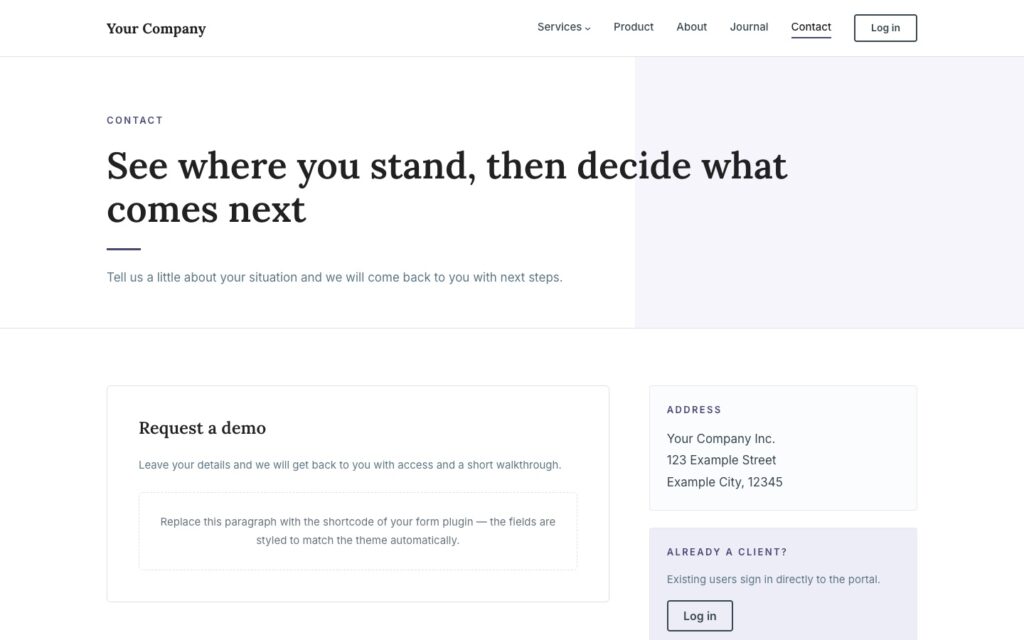
It brings no forms. The contact pattern has a styled area for the shortcode of your form plugin, and the fields pick up the theme styling. The form itself comes from the plugin you choose.
No sliders, no mega menu. The design is calm on purpose. There is no slider, no carousel hero and no mega menu; the navigation is the core Navigation block with one level of sub-items.
One look, five palettes. Kontur is one design with five color palettes, not a collection of forty demo sites. If you want a playful or loud site, this is the wrong theme.
It needs WordPress 6.7. The theme uses current block and site editor features and requires WordPress 6.7 or newer and PHP 7.4 or newer.
It ships in English. Every string is translatable and a translation template is included; the demo texts and the interface arrive in English.
Why not a multipurpose theme?
A multipurpose theme sells possibilities: every industry, every layout, every effect. You pay for them with a heavy page, a builder you have to learn and a lock-in that shows the day you want to leave. Most of the possibilities are never used; the site still loads them.
Kontur sells one decision, made carefully: the typography, the grid, the rules, the palettes and the patterns of a credible service site. Everything else is WordPress itself. The content you write is core blocks, the design is theme.json, and both are yours to change in the tools WordPress ships with.
Set up in three steps
Install and activate
Install the demo pages
Make it yours
Pro only, and what that means
Kontur Pro is the whole theme, sold once, with nothing held back for a higher tier. What you pay for is a year of updates and support for the sites in your plan, and the license key that delivers the updates inside WordPress.
The theme is GPL, like everything from desk9. It never contacts our servers on behalf of a visitor; the only calls to desk9design.com are the license and update checks from your server, at most every twelve hours, with the product name, the key, your site address and the installed version. After the year the theme keeps working; only updates and support stop until you renew. If something is missing, the ticket form is one click away in your account.
Screenshots

Frequently asked questions
Does it load anything from other servers?
Do I need a page builder or any plugin?
How do I switch to another color palette?
Will the demo overwrite my pages?
How do I use another header or footer?
How do I switch the blog layout?
Is it accessible?
Can I use it with a child theme?
What happens to my site if I switch themes later?
Is it on wordpress.org or ThemeForest?
What happens when my subscription expires?
How many sites can I use it on?
Can I upgrade to a bigger plan later?
What if it is not for me?
Changelog
Goes well with
Cookie Banner & Content Blocker The consent banner that matches a calm site and blocks embeds until someone agrees. Free.
Project Gallery Pro Reference projects filtered by product and industry, in your theme colors.
Sticky CTA Button One button that stays in view, for the demo request or the phone number.
All desk9 plugins Maintained plugins, most of them free.
A site that looks settled, built from blocks you already know. Five palettes, one click for the demo, nothing to learn.
Your subscription is what funds the next release.
Yearly subscription
€59 /year
No free version to install first. Upload the ZIP from your account, activate it, paste the license key under Appearance, Kontur Pro. Everything works before the key is in; the key brings the updates.
At a glance
Pro